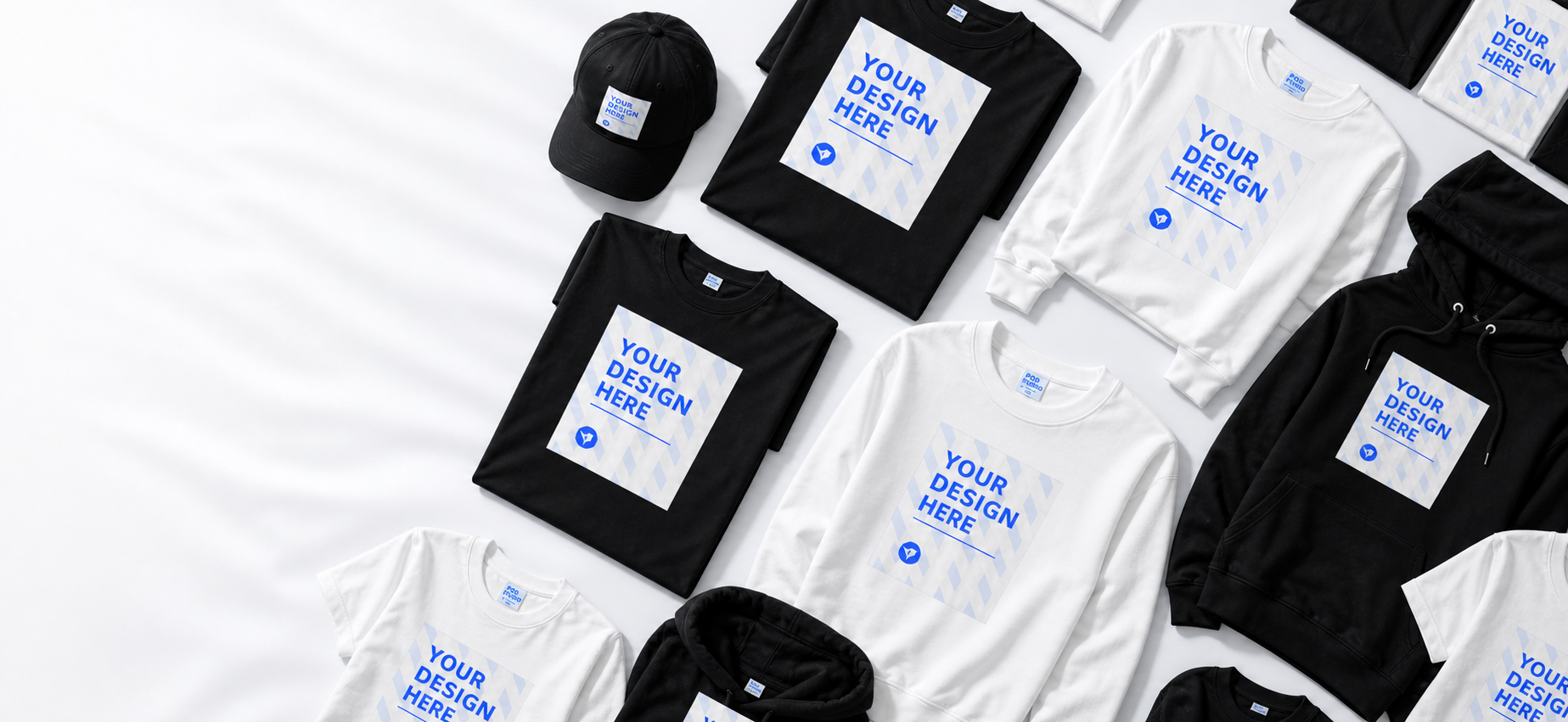
Custom Shirts Ready for Real Life
Upload your artwork. Preview it on real shirts. Made to order. Built to wear.
Fast path to order
Start from real products and move quickly to design.
Preview placement
See how artwork sits before shoppers commit.
Support that's real
We help teams and creators get it right.
Shop by moment
Start with a shirt shape that already feels close.
Use cases
One custom shirt flow for every kind of idea.
Make the homepage feel like an apparel store first, then guide shoppers into the design studio when the use case clicks.
Photo gifts
Make one shirt feel personal.
Use family photos, pet portraits, inside jokes, or birthday artwork without asking the buyer to learn design software.

Teams
Create a cleaner group look.
Good for clubs, trips, school events, and office days.

Events
One design, many sizes.
Make the event shirt feel intentional before checkout.

Creator merch
Test a drop before scaling.
Use shirt products as a small-batch merch starting point for samples and early fans.

CustomlyGo design path
Go from shirt product to CustomlyGo Studio in four obvious steps.
Show the buyer exactly where they are going: pick the shirt, upload artwork, approve the preview, then order with the finished design attached.
selected base
Custom shirt ready
CustomlyGo Studio route
- 01Choose
Start from a shirt product.
Give shoppers a clear base style, size range, and product image before they upload anything.
- Your print
Artwork uploaded
PNG logo placed in print area
02UploadDrop artwork into the studio.
Photos, logos, and finished art should feel simple to add, not like a professional tool setup.
- Your printPreview approved03Preview
Make placement confidence visible.
The page should sell the live preview as the reason custom shirts feel lower-risk.
Custom shirt
ReadyDesign file attachedPrint preview savedCheckout readyAdd to cart04OrderKeep the path to checkout short.
Once the preview looks right, the buyer should have an obvious next step.
Open Studio
Featured custom shirts
Start with shirts people can actually picture wearing.
Product imagery does the heavy lifting here: silhouettes, print zones, and styling cues help buyers decide before they customize.
$29.99
Women’s 200gsm Custom T-Shirt - Heat Transfer
Add artwork and preview placement in the studio.
$29.99
Women’s Custom Crop T-Shirt - Heat Transfer
Add artwork and preview placement in the studio.
$29.99
Women’s Polyester Custom T-Shirt - Heat Transfer
Add artwork and preview placement in the studio.
$29.99
Men’s Cotton Custom T-Shirt - Front Print
Add artwork and preview placement in the studio.

$32.99
Women’s Vintage Cotton T-Shirt - Heat Transfer
Add artwork and preview placement in the studio.

$29.99
Women’s Polyester Custom T-Shirt - Back Print
Add artwork and preview placement in the studio.

$29.99
Women’s Classic Cotton T-Shirt - Front Print
Add artwork and preview placement in the studio.

$31.99
Women’s Plus Size Custom T-Shirt - Double-Sided Print
Add artwork and preview placement in the studio.
Product quality
Give every design a better first impression.
Larger product moments, cleaner copy, and fewer repeated cards make the page feel more like a curated custom shirt storefront.
Apparel-first visuals
Product images and shirt mockups carry the page, not generic cards.
Preview confidence
The buyer sees why placement preview matters before entering the studio.
Many buyer jobs
The page speaks to gifts, teams, events, and creator merch without feeling scattered.
Studio preview
Let shoppers see the design flow before they commit.
Upload, preview, save, and checkout are presented as one guided path instead of a tool that needs explaining.
Design controls
Social proof
Clear preview builds order confidence.
4.8
Rating target
3 min
Flow target
30d
Support
“The page made it obvious how my photo would land on the shirt before I started designing.”
Sarah M.
Gift buyer
“The team shirt options felt clear enough to send around before ordering.”
Michael R.
Event organizer
“This is closer to a merch storefront than a plain upload tool, which is exactly what I needed.”
David K.
Creator
FAQ
Custom shirts questions.
Ready to start?
Make the next custom shirt feel finished from the first preview.
Choose a shirt, add artwork, preview placement, and move into checkout with a page that feels confident and visual.